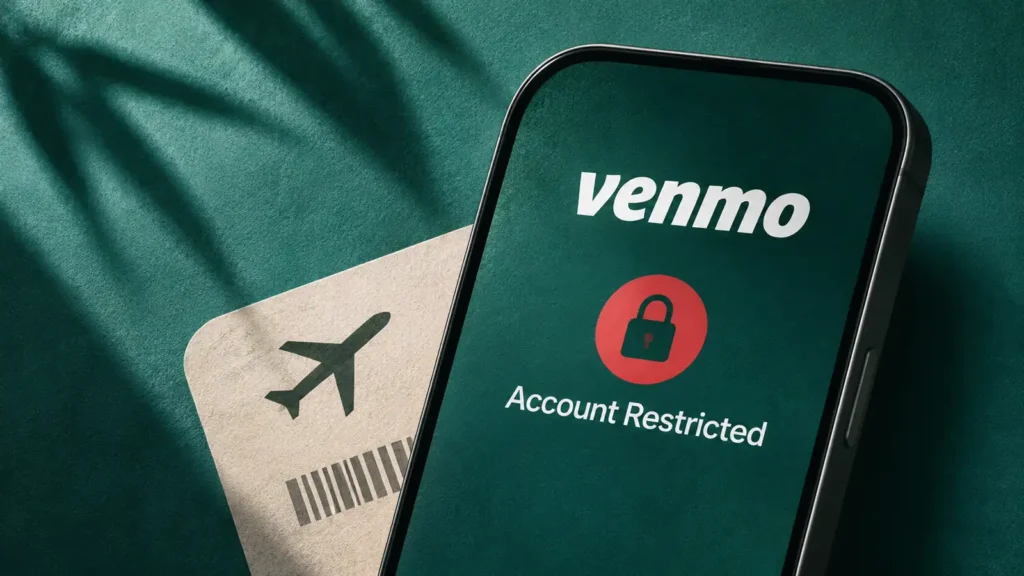
Venmo account frozen? First establish whether you have a failed payment, a genuine account restriction or an access error because you are outside the United States. Each requires a different response.
If you are traveling, do not assume that a login error means your money has been frozen. Venmo’s U.S. agreement, effective August 24, 2026, restricts access to its services from outside the United States, except for the Venmo Debit Card. A card may work abroad even when ordinary app access is unavailable, subject to card terms and account status.
Updated November 26, 2026. U.S. consumer guidance.
Venmo account frozen: identify the problem first
| What you see | Likely issue | Next action |
|---|---|---|
| Login error overseas | Geographic access restriction | Contact official support; use independent travel funds. |
| Restore your account prompt after failed payment | Outstanding repayment | Follow the official recovery route. |
| Email requesting documents | Account review | Verify the notice and submit requested evidence. |
| Unknown transactions | Potential fraud | Report immediately to Venmo and relevant bank or issuer. |
Can you use Venmo abroad?
Venmo is primarily a domestic U.S. payment service. Its user agreement and travel access guidance explain the geographic restriction. Do not use a VPN or false location information to bypass it. Contact support through its official contact page if you cannot sign in. The debit card FAQ describes international card use separately. Check your card terms, available balance and acceptance before relying on it.
Failed payment: the specific recovery procedure
Venmo’s failed-payment recovery guidance directs eligible users to the restoration prompt or venmo.com/recover. Do not use the repayment route for an unrelated compliance review. Debit card repayment is the faster option; bank-funded repayment can take up to five business days. Partial repayment may be possible, but the restriction remains until the required repayment has cleared. Incoming payments may be applied to the outstanding amount.
For example, if a hypothetical $80 payment fails and $30 subsequently arrives, that incoming payment may reduce the outstanding amount rather than becoming available for spending. Confirm the actual balance due before paying. Ask your bank why the initial payment failed and report unauthorized payments rather than treating them as legitimate debts.
Why Venmo freezes accounts
Venmo does not publish its exact rules, so no outside guide can promise the reason in your case. The official frozen-account guidance and user agreement identify several possible causes; the examples below are diagnostic possibilities, not predictions.
| Trigger | What it can look like | Usual fix |
|---|---|---|
| Unusual activity | A sudden large payment, many transfers in a short time, a new device or location | Confirm the activity and verify your identity |
| Incomplete identity verification | Name, address or ID details missing or not matching your bank | Upload the requested documents in the app |
| Payment disputes | Chargebacks, or other users reporting a payment | Answer the dispute with proof such as receipts or chat logs |
| Terms of service concerns | Selling goods or services from a personal profile, risky payment notes | Explain the activity; use only authorized payment arrangements |
| Possible account takeover | A login from a new device, a password reset you did not request | Secure your email, reset passwords, contact support |
| Linked bank or card problems | Returned transfers, failed payments, a closed bank account | Update or re-link the funding source |
What to do in the first 24 hours
- Read every message first. Check the notice in the app and the email linked to your account. Venmo often says what it needs from you.
- Secure your login. If you suspect unauthorized access, secure your email and Venmo credentials where possible and promptly report the activity to support.
- Submit what is requested. Use clear, uncropped photos of your ID. Send documents only through the official app or the Venmo Help Center.
- Contact support in writing. Open a ticket from the app or help center so there is a record, and note your case number.
- Collect evidence. Save screenshots of the freeze notice, your recent transactions and any receipts for payments that could look unusual.
- Do not open a second account. Creating a new profile to get around the freeze can lead to a permanent restriction.
A message you can send to support
Keep it short, factual and polite. You can adapt this template:
Hello, my Venmo account (username: @yourname) was frozen on [date]. I would like to understand what is needed to restore access. I have secured my login and can provide ID or other documents. Recent activity that may have triggered the review: [short description, for example a rent payment of $X to a friend]. Please confirm what I should submit and how long the review usually takes. Thank you. Case number: [number].
Keep the case reference and follow up through the same official channel where possible.
How long does a freeze last?
There is no fixed timeline. The five-business-day estimate for bank-funded repayment does not apply to every account review. The user agreement separately allows certain risk-based transaction holds for up to 180 days; this is not a universal freeze duration. Track the dates of every message, and follow up politely if a week passes with no answer.
Can I get my money out?
Access depends on the restriction. Ask which funds are held, whether withdrawals are possible and what is required to release eligible funds. If support cannot resolve the problem, consider the CFPB complaint portal. For unauthorized electronic transfers, report promptly to the relevant provider or bank; do not wait for the account review to end.
Prepare an independent travel payment method
Venmo is not a substitute for a travel bank account. Keep a separate payment card and enough accessible funds to cover urgent accommodation, transport and food. If a friend needs repayment while you are abroad, arrange a lawful alternative rather than sharing credentials or asking them to log in on your behalf.
For international account restrictions, use our bank account frozen abroad guide and Wise or Revolut account recovery guide.
Watch out for freeze scams
Scammers send fake “your Venmo account is frozen” texts and emails that link to look-alike login pages. Do not click links in messages. Open the Venmo app yourself and check the status there. Venmo will not ask you to send money to “unlock” your account, and it will not ask for your full password or a one-time code by text or phone.
How to avoid a freeze next time
- Complete identity verification early, before you need to move larger amounts.
- Keep your name, address and linked bank details current and matching.
- Use a business profile if you accept payments for goods or services.
- Avoid vague or risky payment notes.
- Do not park large balances in the app. Transfer money to your bank.
- Check geographic eligibility before departure; do not rely on Venmo app access outside the United States.
FAQ
Why is my Venmo account frozen?
Most often because of unusual activity, missing identity verification, a payment dispute or a security concern.
Is a frozen Venmo account permanent?
A restriction can be temporary or permanent. The result depends on the reason and the provider’s decision.
Can I use my Venmo balance while it is frozen?
It depends on the specific restriction. Check the notice and ask support which functions and funds remain available.
Should I trust a text that says my Venmo account is frozen?
Treat it as suspicious. Check the status only inside the official app.
Can I open a new Venmo account instead?
This is not advised. It can be seen as getting around a restriction and may cause a permanent ban.
What if support does not answer?
Follow up in the same ticket, keep your records, and consider a complaint to the CFPB if the issue stays unresolved.